Oxford Drum Gate

"This is a great one-stop-shop of a plugin. Drum gate achieves what I’ve been trying to do with 3 separate plug-ins and more."
Andy Sneap. Musician, Songwriter, Guitarist & Producer | Killswitch Engage, Megadeth, Bullet for my Valentine, Opeth.

"Drum Gate is just smarter than anything else designed to detect drum hits. Dynamics handling is out of this world!"
Dax Liniere. Producer / Mixer | Puzzle Factory Sound Studios.

"This plugin is amazing!"
Will Russell. Grammy award-winning engineer / producer.
Precise and transparent drum gating
Have you become frustrated with the results of unreliable drum gating using traditional tools; chatter, misdetection, choked or lost ghost notes? Are you tired of overly complex and manual workflows?
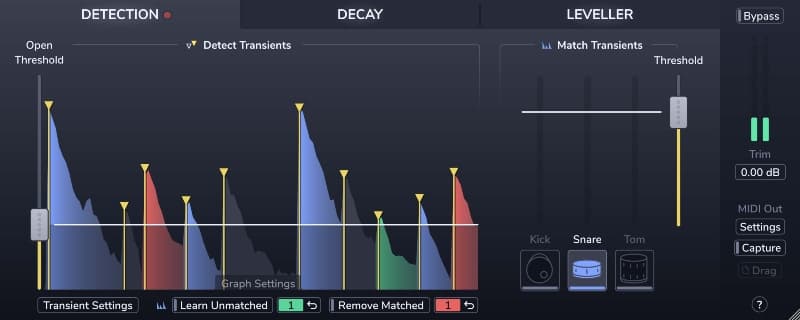
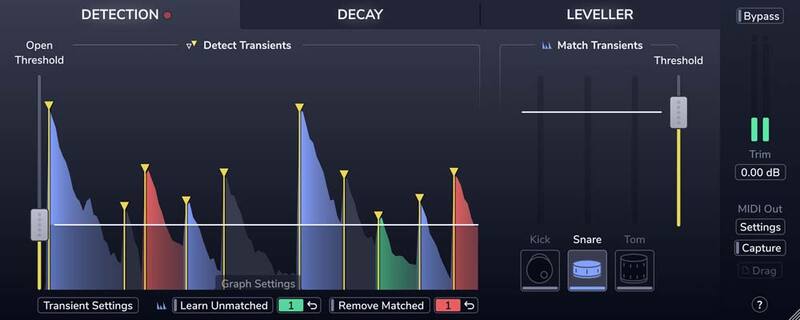
Then meet the new Oxford Drum Gate; it's swift and logical workflow solves these problems and delivers the fastest, most musical and transparent results available. At the heart of the Drum Gate is intelligent drum-hit detection. First, the Plug-In detects them all with tailor-made transient detection. Then, you simply decide which ones to keep.
Detection
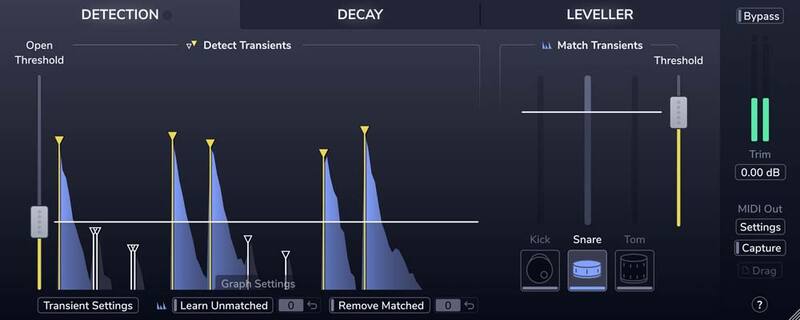
Need to reduce spill on a snare track in a dynamic mix of backbeats, ghost notes, and cross stick hits?
No problem! Just click the Snare button.
Decay
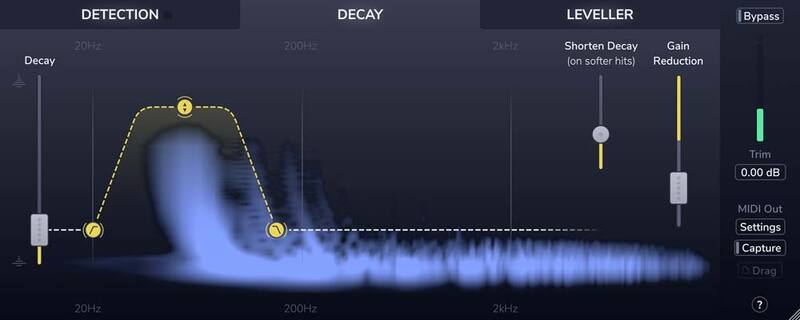
Tired of fighting abrupt and un-musical gating? Do you want to keep the natural ring of toms and remove the spill around them?
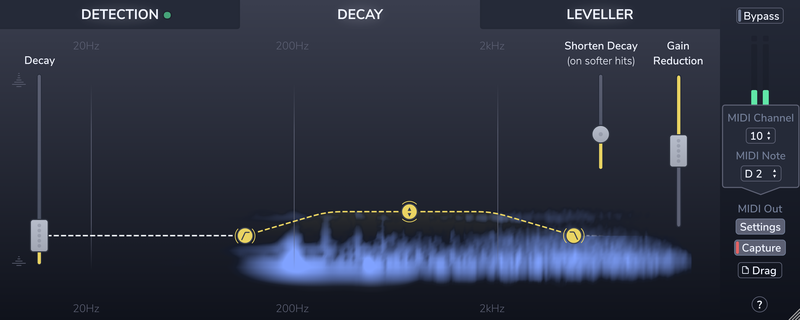
Easy! Use Drum Gate's adaptive Decay section to quickly focus on the resonance of each tom, in real-time, according to the velocity of each detected hit.
Leveller
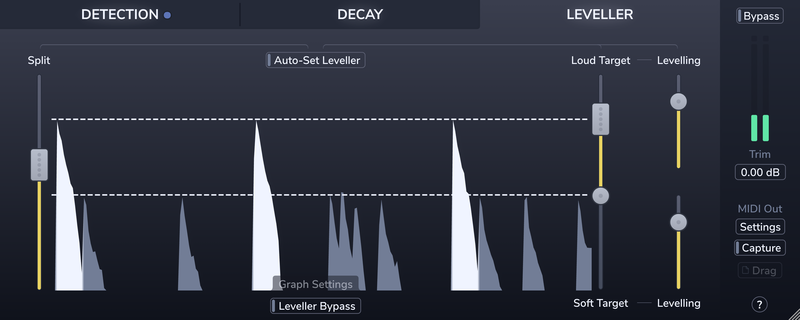
Wish you could improve the consistency of the drummer's performance? Of course, you do!
Conform louder main hits and softer background articulations to two separately controlled target level ranges in the Leveller section.
MIDI
Want to augment/replace individual drums with samples and confidently retain the dynamics from the original performance?
Piece of cake! It's delivered by Drum Gate's hit detection and MIDI triggering functionality.
Features
- Precise transient detection and intelligent drum-type matching to effortlessly separate the hits you want to keep from the spill you don't.
- Create custom drum profiles to isolate unusual drum types or fix the occasional kick, snare, or tom mismatch.
- A decay curve that adapts to the velocity of each drum hit, giving you consistent spill reduction on dynamic performances.
- The Spectral decay editor lets you preserve the resonance, ring, or rattle of each drum hit while quickly clamping down on the spill.
- The leveller's dual-target and amount controls let you improve level consistency without losing the contrast between loud hits and soft ghost notes.
- Real-time MIDI output and MIDI file capture, for accurately triggering drum samples.
System Requirements
macOS
- OS X 10.12 or later (Intel / M1 Apple Silicon supported) (64-bit only)
- Formats: AAX, AU, VST3.
- Supported hosts: Pro Tools 11 or any desktop application that supports Audio Unit (AU), VST2 or VST3 Plug-Ins.
- iLok 2, iLok 3 USB key OR an iLok account with an active internet connection.
Windows
- Windows 7 or later.
- Formats: AAX, VST2 & VST3.
- Supported hosts: Pro Tools 11 or any desktop application that supports VST2 or VST3 Plug-Ins.
- iLok 2, iLok 3 USB key OR an iLok account with an active internet connection.
The minimum version of OpenGL required to use the plug-in is OpenGL 3.3.
Please note: This product supports iLok Cloud Authorisation. An iLok USB Dongle OR an active internet connection is required in order to activate and use this product.
See current price at Plugin Boutique
Some links on this page are affiliate links. We may earn a commission at no cost to you.